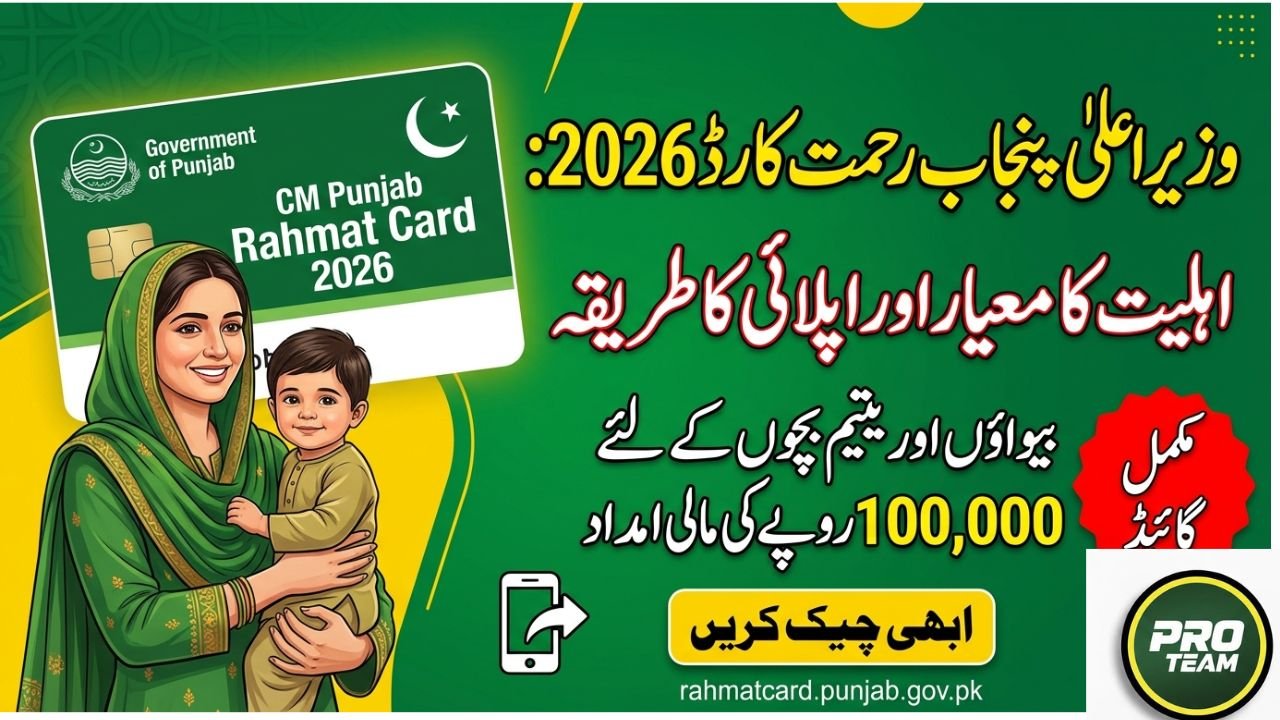
The CM Punjab Rahmat Card is a flagship social welfare scheme launched by the Government of Punjab under the leadership of Chief Minister Maryam Nawaz Sharif. The program aims to provide a strong financial safety net to the most vulnerable segments of society, especially widows and double orphans (children with no parents).
By combining modern digital systems with social registry data, the government ensures that financial aid is delivered transparently, efficiently, and with dignity to deserving individuals.
Objectives of the Rahmat Card Program
- Provide financial assistance to deserving widows and orphans
- Ensure transparent distribution through digital systems
- Eliminate middlemen and corruption
- Support low-income families across Punjab
Eligibility Criteria for CM Punjab Rahmat Card
To qualify for the Rahmat Card, applicants must meet specific socio-economic conditions set by the Zakat and Ushr Department. The program mainly targets Mustahiq-e-Zakat individuals.
Basic Requirements
Domicile
- Applicant must be a permanent resident of Punjab
Social Status
- Must be a widow or
- A child with no parents (double orphan)
Income Level
- Must belong to a low-income household
- Should not be Sahib-e-Nisab
Employment Status
- Applicant or their guardian must not be a government employee or pensioner
Exclusivity
- Applicant must not be receiving regular financial aid from other government welfare programs
CNIC Verification Process for Rahmat Card
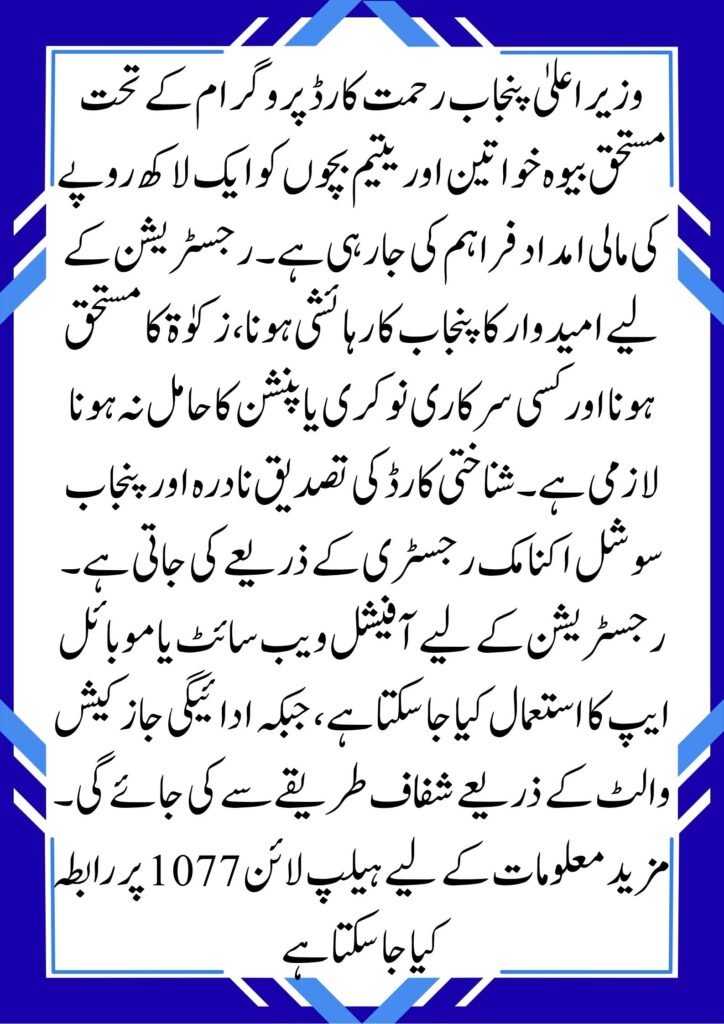
The entire verification process is digital to ensure transparency and prevent fraud. CNIC (Computerized National Identity Card) plays a central role.
Key Verification Steps
CNIC Status Update for Widows
- Widows must update their marital status to “Widow” through NADRA
Mobile Number Linkage
- The mobile number used for registration must be registered on the applicant’s CNIC
- This is important because funds are transferred to digital wallets linked to this number
Data Cross-Verification
- Applicant data is verified through:
- Punjab Socio-Economic Registry (PSER)
- NADRA database
- This ensures accurate financial and residency verification
Financial Assistance Details
| Category | Benefit Amount | Requirement |
| Deserving Widows | Rs. 100,000 (one-time) | Updated CNIC with widow status |
| Orphans (No Parents) | Rs. 100,000 per child | B-Form & verified guardian |
| Low-Income Families | Financial aid (up to Rs. 50,000) | PSER registration & Zakat eligibility |
How to Register for CM Punjab Rahmat Card
Eligible applicants can easily register online without visiting any office.
Step-by-Step Registration Process
1. Web Portal Registration
- Visit the official website: rahmatcard.punjab.gov.pk
- Create your account
2. Mobile App Registration
- Download the CM Rahmat Card App from Google Play Store
3. Enter Required Information
- Full Name
- CNIC Number
- Mobile Number
4. Provide Consent
- Applicants must agree to open a JazzCash Digital Wallet
- This wallet will be used to receive financial assistance
Key Features of the Program
- 100% digital application and verification
- Direct cash transfer through mobile wallets
- No need to visit offices
- Transparent and corruption-free system
- Focus on deserving and needy individuals
Conclusion
The CM Punjab Rahmat Card is a major step toward social welfare and financial inclusion in Punjab. With its digital-first approach and strict eligibility checks, the program ensures that aid reaches those who truly need it widows, orphans, and low-income families helping them live with dignity and security.
FAQs
Q1: How can I check my application status?
You can track your application by logging into the official portal or mobile app using your CNIC and password.
Q2: What if my mobile number is not linked to my CNIC?
Your application may be rejected during verification. Make sure your SIM is registered in your name before applying.
Q3: Is there a helpline for assistance?
Yes, you can call the official helpline 1077 for guidance, complaints, or support.