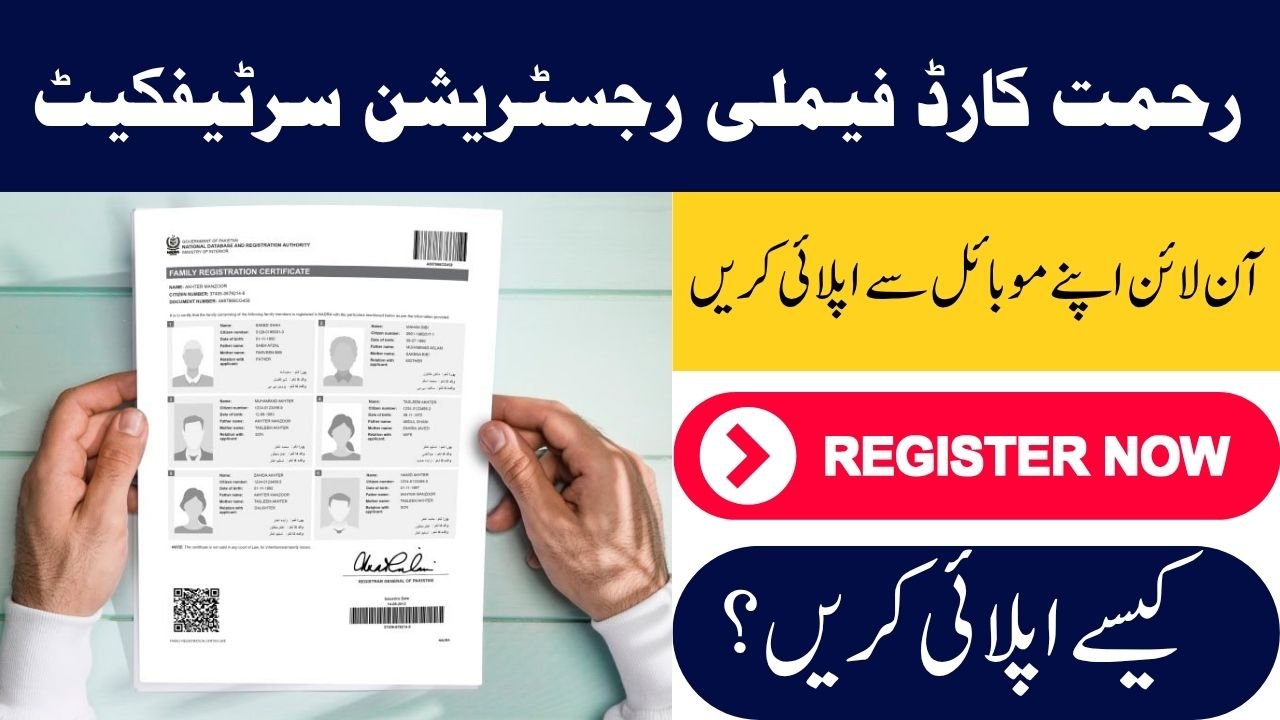
Rahmat Card Family Registration
The Punjab Rahmat Card is a flagship social welfare program launched by the Chief Minister to provide financial dignity to widows and double-parent orphans across the province. To qualify for this program, applicants must prove their family relationships.
The Family Registration Certificate (FRC) issued by NADRA serves as the primary document for verifying these relationships. While the Rahmat Card system accepts CNICs and B-Forms, having an updated FRC ensures a smooth and hassle-free verification process through the Punjab Socio-Economic Registry (PSER).
Why FRC is Critical for the Rahmat Card
The Rahmat Card specifically targets widows and orphans. Since eligibility depends on marital status and parental details, the FRC works as an official “family tree” document.
Key Importance of FRC
- Verifies widow and orphan status accurately
- Prevents duplicate applications
- Ensures transparency in financial aid distribution
- Confirms family structure through official records
This verification ensures that financial assistance of Rs. 100,000 per beneficiary reaches only deserving families.
How to Apply for FRC Online – Step-by-Step Guide
You no longer need to visit NADRA offices or stand in long queues. The online system makes the process simple and convenient.
Step 1: Create an Account
- Visit the official NADRA Pak-Identity portal
- Register using your email address and mobile number
- Enter the OTP (One-Time Password) sent for verification
Step 2: Select the FRC Category
After logging in, go to the “Family Registration Certificate” section. You will see three categories:
Available Categories
- By Birth: Includes father and mother
- By Marriage: Includes spouse and children (recommended for widows)
- By Adoption: Shows legal guardian details
Step 3: Add Family Information
- Enter CNIC numbers (13 digits) of all family members
- The system will automatically fetch their data from the national database
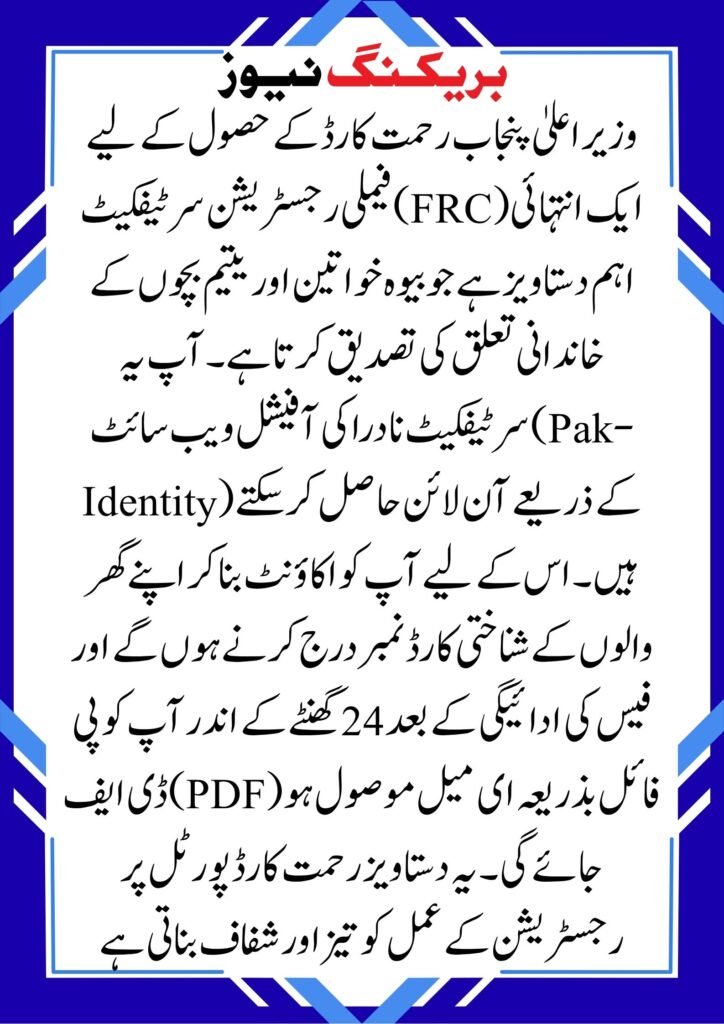
Step 4: Upload Photo & Biometric Verification
- Upload a passport-size photograph with a white background
- Complete biometric verification using your mobile phone via the Pak-ID app
Step 5: Pay Fee & Download FRC
- Pay the processing fee (approximately Rs. 1000)
- Payment methods may include:
- Debit/Credit Card
- JazzCash / EasyPaisa (if available)
Once payment is confirmed, your FRC will be emailed in PDF format within 24 hours.
Quick Overview Table
| Feature | Details |
| Official Platform | NADRA Pak-Identity |
| Required Info | Valid Email & Mobile Number |
| Processing Time | 24 Hours (Online) |
| Payment | Online (Card / Mobile Wallet) |
| Usage | Rahmat Card / PSER Verification |
| Requirement | Correct CNIC & B-Form Data |
Role of FRC in PSER Verification
The FRC plays a key role in validating your data within the Punjab Socio-Economic Registry (PSER).
official website ; Official Rahmat Card Portal.
How It Helps
- Confirms household composition
- Verifies widow/orphan eligibility
- Matches NADRA records with government databases
- Speeds up approval process
Final Thoughts
Obtaining your Family Registration Certificate (FRC) online is a simple yet essential step for Rahmat Card eligibility. By ensuring your family data is accurate and updated, you can avoid delays and increase your chances of approval.
The online system has made the process faster, transparent, and accessible—helping deserving families receive financial support without unnecessary hurdles.
Frequently Asked Questions (FAQs)
Q1: Can I apply for Rahmat Card directly using FRC?
No, you cannot apply directly using the FRC. However, the Zakat & Ushr Department uses FRC data to verify your eligibility through the PSER system.
Q2: Where can I apply for the Rahmat Card?
You can apply through the official Rahmat Card portal provided by the Punjab Government
Q3: Is the online FRC legally valid?
Yes, the digital PDF version of the FRC is a legally recognized document in Pakistan and is accepted for all government and welfare programs.